Free LinkedIn Video Downloader
The fastest way to download a LinkedIn video. Paste the post link and save it to MP4 in HD, with no signup, no app, and no watermark. Works for public video posts on desktop and mobile.
Your video preview will appear here
Paste a public LinkedIn post link above, pass the quick check, and we will pull the native video so you can save it in HD.
Private by design. The video is saved by your own browser, and nothing is stored, cached, or logged on our side.
How do I download a LinkedIn video?
Open the post's three-dot menu and choose Copy link to post. Paste that link into the box on this page, and it finds the native video, shows the caption plus a player, and lets you pick a quality and save the MP4. The file is the same one LinkedIn streams, at its original resolution, with no signup and no watermark added.
- Format
- MP4
- Quality
- Original, up to HD
- Cost
- Free
- Account needed
- No
How to download a LinkedIn video in 3 steps
All you need from LinkedIn is the link to the post. No extensions, no shady sites, no signup.
Copy the link to the post
Open the three-dot menu in the top-right corner of the post and choose Copy link to post. That is the only thing you need from LinkedIn.
Paste it above
Drop the link into the box on this page. It finds the video on that post and shows you a player plus the post caption, so you can check you have the right one before saving anything.
Pick a quality and download
Choose the rendition you want and save the MP4. It is the original file from LinkedIn, at full quality, with no watermark added.
Why video works on LinkedIn
Saving a great video is step one. The real win is understanding why it performed, then publishing your own. Across LinkedIn, rich formats like video and carousels consistently pull more comments, shares, and watch time than plain text updates, and movement stops the scroll.
2%
of LinkedIn members publish content weekly
derived from LinkedIn, 2019
+1,182
more impressions per post when posting 2 to 5 times a week
Buffer, 2025
3x
more engagement for the most consistent posters
Buffer, 2025
73%
of decision-makers trust thought leadership over marketing materials
Edelman-LinkedIn, 2024
Showing up on a weekly cadence puts you in the small group the feed rewards, and in front of buyers who already trust the format.
A video worth studying is worth making your own
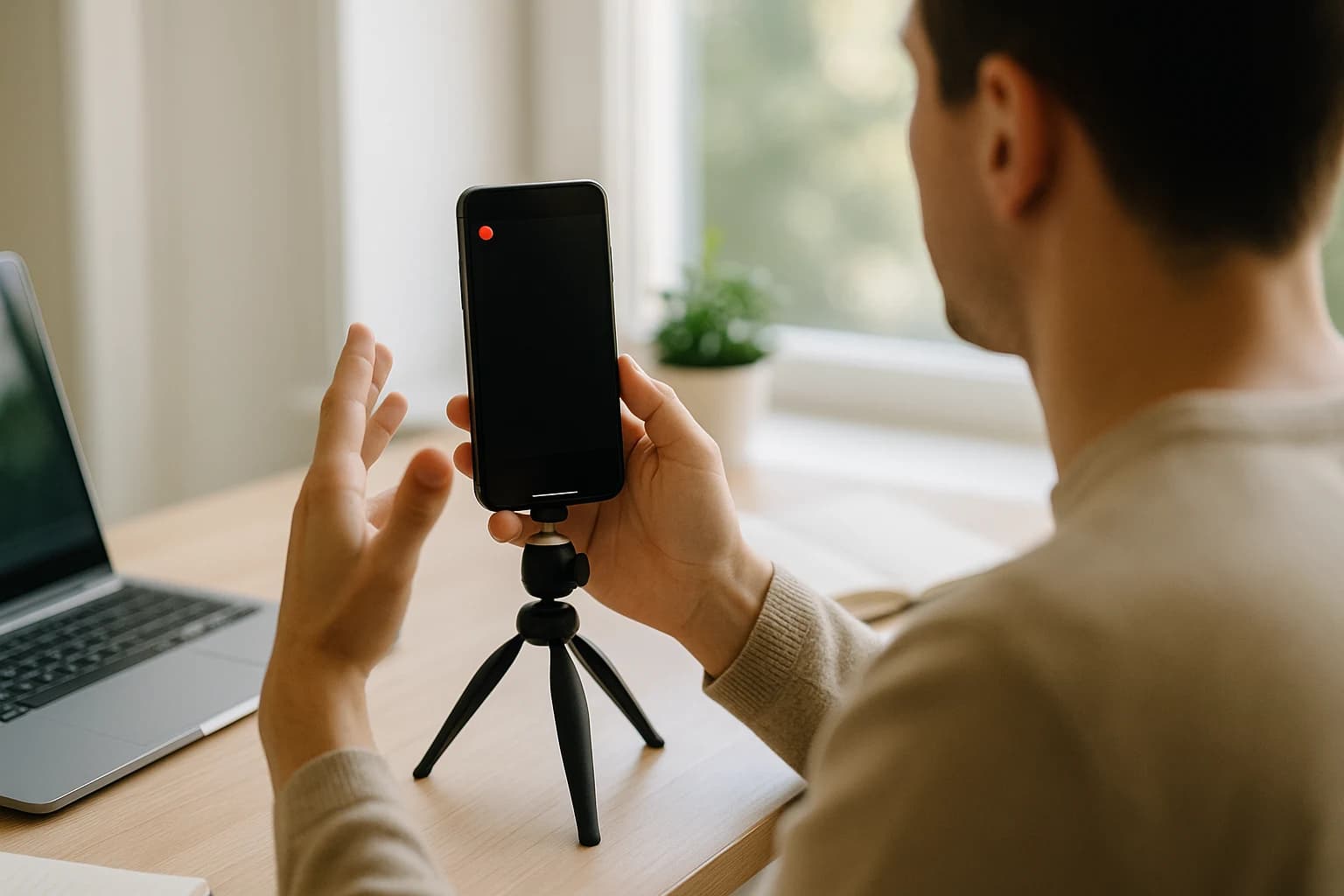
Downloading a video worth studying is a fast way to break down its hook, pacing, and captions, then record your own clip and turn what you learned into a post in your own voice. Save your own footage too: owning your raw clips keeps your content library yours, not locked inside one feed.
Turn a watched video into a post you publish

Drop in a thought, paste a link, or capture a voice note, and Blendin hands back a carousel, image post, text post, or Document in your company's real colors, fonts, and voice, ready to publish or to download and send. It reads like a person wrote it, not like AI, and you approve every piece before it goes out.
Free for 14 days on the full Starter plan, card required, no charge today, then $59 a month, cancel anytime.
Saving a video is one task. Blendin runs the whole loop
Downloading a clip is the easy part. The hard part is showing up every week. Blendin hands back the finished piece in your company's real colors, fonts, and voice, ready to publish or to download and send, and it reads like a person wrote it, not like AI. Loops holds the cadence you set once, and one tab replaces a design tool, a scheduler, and three analytics windows.
- Carousels, image posts, text posts, Documents, and Threads chains
- Brand Kit from your URL, and every post reads like a person wrote it
- Loops sets a recurring posting cadence once, so the habit holds
- Post and audience Insights: post performance, audience growth and demographics, and the best time to post
- Publish to LinkedIn, Instagram, Facebook, and Threads. TikTok on Pro
- Free for 14 days, full Starter access, card required, cancel anytime
Frequently asked questions
Everything you might wonder before saving a LinkedIn video.
Is this LinkedIn video downloader free?
Yes. It is completely free, with no signup, no account, and no credit card. You paste the post link into the box above, tap Get video, and download the MP4 straight from your browser in its original quality.
Is it safe and legal to download LinkedIn videos?
The method itself is safe because nothing is installed and the file is saved by your own browser. On the legal side, only download videos you created or have clear permission to use. Reposting someone else's video without credit or consent can break LinkedIn's terms and copyright law, so treat downloads as your own footage, licensed content, or material you have rights to.
Will the video keep its HD quality, and is there a watermark?
You save the same file LinkedIn streams on the post page, so it keeps its original resolution, up to HD when the creator uploaded it that way. Because the file comes straight from LinkedIn, there is no extra watermark added by us.
What file format do I get when I save a LinkedIn video?
You get a standard MP4 file. LinkedIn serves native videos as MP4, so the file you save opens in any video player and uploads cleanly to other tools or networks. When more than one resolution is available, you can pick the quality before you download, and when LinkedIn's own post data includes the video's length, it shows next to the quality label so you can confirm you have the right clip before saving it.
Does it work for LinkedIn company page videos?
Yes. Paste the post link into the box above, and company page, personal profile, and feed posts all work the same way. To get the link, open the three-dot menu on the post and choose Copy link to post. The post has to be public, because the tool reads only what LinkedIn shows to someone who is not signed in.
Can I download a LinkedIn video on my phone?
Yes. Copy the link to the post in the LinkedIn app, paste it into the box above in your mobile browser, tap Get video, and then tap Download MP4. The steps are the same as on desktop, and nothing needs to be installed.
Do you store or host my videos on your servers?
No, we never store or host them. The file is relayed through our server so your browser can play it and save it with a clean name, and nothing is written down on the way past: it is not saved, not cached, and not logged, and the relay only accepts files from LinkedIn's own media servers.
Make scroll-stopping LinkedIn content
Free for 14 days with full Starter access, card required, cancel anytime. Only about 2% of LinkedIn members publish weekly (derived from LinkedIn, 2019). Be one of them, in your own voice.
Start free trialAlready paying for a scheduler? See how Blendin compares
More free tools
LinkedIn Hook Generator
Generate scroll-stopping opening lines from 30 proven templates across six styles, filled in with your topic.
AI Writing Checker
Paste any draft and see what makes it read like AI: em dashes, buzzwords, hype openers, robotic transitions, and more, with a fix for each. Free, in your browser.
LinkedIn Carousel Maker
Design up to 10 carousel slides in your browser and export a PDF for LinkedIn Document upload, plus PNGs. Free, no signup, no watermark.
From the Blendin blog
We Ran a Panel on What an AI Assistant Cites When People Ask Which Tool to Use
A Semrush panel of 180 real buying questions shows which domains AI assistants cite for content tools, and why narrow questions get thinner, easier-to-win answers than broad ones.
Read the essayGrowthLinkedIn is one of the most-cited sources in AI search. Here's how to get quoted.
A large study of the LinkedIn URLs AI engines cite shows what they quote: long-form, educational, original posts. The publish-this-way checklist to get cited.
Read the essayLinkedIn StrategyLinkedIn Blue Badge (Top Voice): How to Actually Get It
No, you cannot apply, buy, or farm your way to the LinkedIn blue Top Voice badge. Here is what the invite-only badge actually rewards, straight from LinkedIn.
Read the essay