Free Brand Kit Extractor
A brand kit extractor reads any website and pulls its real brand kit: the color palette with hex codes, the fonts, and the logo. Free, no signup, ready in seconds.
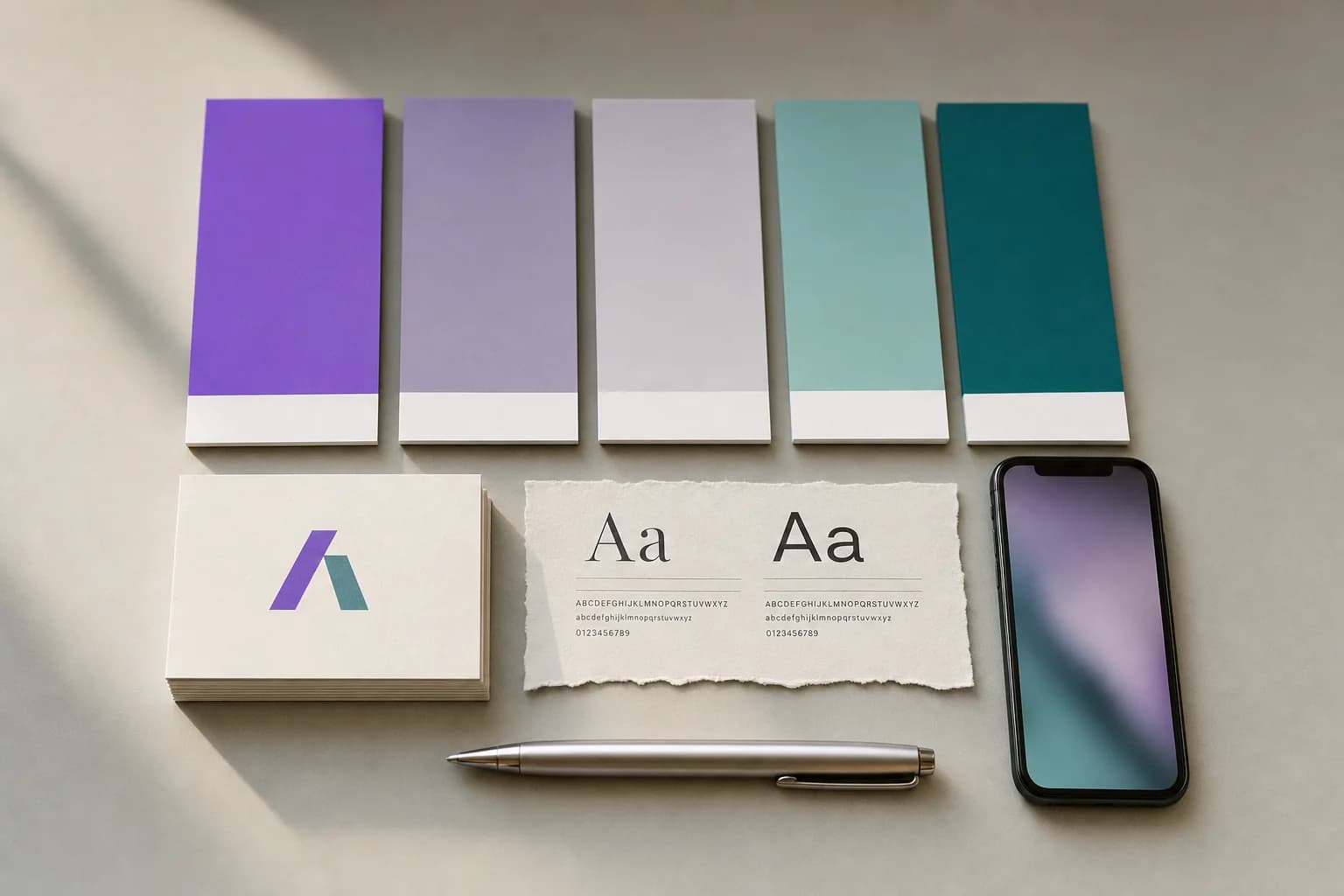
Your brand kit will appear here
Paste a website above and we will pull its color palette, fonts, and logo so you can copy them in one click.
What is a brand kit extractor?
A brand kit extractor reads a live website and pulls its real color palette with hex codes, fonts, and logo, the same building blocks some call a brand guidelines generator, brand style guide generator, or brand kit maker. It works in seconds, free, with no signup and no account, on any public site you paste in.
- Output
- Colors, fonts, logo
- Cost
- Free
- Account needed
- No
- Format
- Hex codes and font names
Pull a brand kit in 3 steps
No design tools, no dev tools, no guesswork. Read any site's real colors, fonts, and logo straight from the page.
Paste a website URL
Drop in any public website address, your own or one you admire, and pass the quick human check. No extension, no signup.
We read its real styles
The extractor fetches the page and parses its stylesheets to surface the true brand colors, fonts, and logo, exactly as the site declares them.
Copy or save in one click
Copy any hex code or font name, pick the right logo from the candidates, and download the favicon. Your brand kit, ready in seconds.
A full brand snapshot, instantly
Everything you need to match a look, audit your own site, or kick off a moodboard, read straight from the source. Carry the colors into a free LinkedIn banner or your next post.
Color palette with hex
Primary, secondary, accent, background, and text, each as a ready-to-copy hex code.
Heading and body fonts
The typefaces the site uses for titles and copy, mapped to clean, renderable names.
Logo and favicon
Ranked logo candidates so you grab the real mark, plus the favicon for avatars.
Name and tagline
The brand name and a short tagline pulled from the page metadata when present.
The same brand kit, now writing your posts
This free tool pulls a brand kit from any URL. Inside Blendin, that same kit goes to work: paste the URL once and out comes the finished piece, written, designed, and ready to publish or to download and send. Your colors, fonts, and logo carry into every carousel, image post, and text post, so what ships looks and sounds like you, not like AI. Publish to LinkedIn, Instagram, Facebook, and Threads, with TikTok on Pro.
This reads your styles. Blendin reads your whole brand
This free tool pulls the visible brand styling: colors, fonts, and the logo. Inside Blendin, the Brand Kit goes further. Paste the same URL and it learns your brand voice, drafts your About, refines the palette, and remembers it all, so everything you publish actually sounds and looks like you.
Then it hands back the finished piece: carousels, image posts, text posts, and Documents in those same colors, fonts, and voice, ready to publish or to download and send. Each one reads like a person wrote it, not like AI. Loops holds a recurring posting cadence you set once, and you publish to LinkedIn, Instagram, Facebook, and Threads from one place, with TikTok on Pro.
Already shopping for a scheduler or a design tool? See how Blendin compares
- Brand Kit from your URL: colors, fonts, and logo
- Learns your brand voice and drafts your About
- Every post reads like a person wrote it, not like AI, on every plan
- Carousels, image posts, text posts, and Documents
- Free for 14 days, full Starter access, card required, then $59/mo, cancel anytime
Frequently asked questions
Everything to know before you extract a brand kit.
Is the brand kit extractor free?
Yes. It is completely free, with no signup, no account, and no credit card. Paste a website URL and you get its colors, fonts, and logo in seconds. Copy any hex code or font name with one click.
What does it extract from a website?
Four things: the brand color palette as ready-to-copy hex codes (up to five: primary, secondary, accent, background, and text), the heading and body fonts, the logo (with a few ranked candidates to pick from), and the favicon. It shows only the colors the site really uses: a site with two colors gets two, never a color made up to fill a palette. It also pulls the brand name and tagline from the page when available, runs a real WCAG contrast check, and notes how each font is loaded.
How does it find the real brand colors and fonts?
It reads the site the way a browser does. It parses the stylesheets (CSS variables and their var() chains, light and dark themes, nested rules, Tailwind v3 and v4 utilities, Elementor and WordPress builder tokens) and understands every color format (hex, rgb, hsl, the shadcn triplet form, oklch, lab, color-mix). Then it checks the page itself: the color actually painted on the buttons, links, headings and page background wins over a token the page never uses. Fonts come from what the body and headings really resolve to, plus the font loaders, font-face rules, Next.js font names and CSS variables, with icon and fallback fonts filtered out.
Does it check color contrast or accessibility?
Yes. Once a kit lands, it runs a real WCAG contrast ratio, the standard relative-luminance formula, between your text and background colors, and between your accent color and its label color, each with an honest AA or AAA pass or fail. When a site has no distinct accent color, that check is left out instead of run against a color that does not exist.
Does it tell me how each font is loaded?
Yes. Each detected font is labeled Google Fonts, Bunny Fonts, Adobe Fonts, self-hosted, or a system font, based on the same preload links and stylesheet rules used to detect the font itself. When none of those can be confirmed, it is left unlabeled rather than guessed.
Why is a color or font slightly off?
Some sites hide their real palette behind images, render styles in JavaScript, or load fonts the tool cannot map cleanly. The extractor only shows colors and fonts it can actually read from the page, and never invents a result, so on those sites a slot can be approximate or empty. It is a fast starting point, not a contract.
Can I use the colors and fonts I find?
Hex codes and font names are facts, not anyone's property, so they are perfect for your own moodboards, audits, and matching your kit. Use a brand's actual logo only with permission. Treat what you extract as research, and build your own brand on top of it.
Do you store the websites I scan?
No. We fetch the page live to read its public styles, return the result, and keep nothing. The tool does not save the sites you scan or the kits it returns.
Is this the same as a website color palette extractor?
Yes, and it goes further. A website color palette extractor reads a site's real colors; this tool does that same read and also pulls the fonts, the logo, and the favicon in the same pass, so you get the whole kit in one step instead of just the palette.
Turn your brand into content that ships
Free for 14 days with full Starter access, card required, then $59/mo, cancel anytime. Build your Brand Kit and publish in your own voice.
Start free trialMore free tools
Website Font Finder
Paste any website URL and see its real heading and body fonts, the weights it loads, whether they're Google Fonts or self-hosted, and a type scale. Free, no signup.
Website Color Palette Extractor
Paste any website URL and get every real color it uses back as hex, RGB, and HSL, sorted by usage. Free, no signup, nothing invented.
Content Ideas Generator
Paste your company URL and get five content ideas built from what your own website says, each showing the phrase it came from. Free, no signup.
From the Blendin blog
We Ran a Panel on What an AI Assistant Cites When People Ask Which Tool to Use
A Semrush panel of 180 real buying questions shows which domains AI assistants cite for content tools, and why narrow questions get thinner, easier-to-win answers than broad ones.
Read the essayGrowthLinkedIn is one of the most-cited sources in AI search. Here's how to get quoted.
A large study of the LinkedIn URLs AI engines cite shows what they quote: long-form, educational, original posts. The publish-this-way checklist to get cited.
Read the essayLinkedIn StrategyLinkedIn Blue Badge (Top Voice): How to Actually Get It
No, you cannot apply, buy, or farm your way to the LinkedIn blue Top Voice badge. Here is what the invite-only badge actually rewards, straight from LinkedIn.
Read the essay