LinkedIn Carousel Maker
A free, in-browser carousel maker. Design up to 10 slides with layouts, themes, your brand colour, fonts, and photos, then export a PDF for LinkedIn Document upload, plus PNGs. No signup, no watermark, nothing uploaded.
Want the AI to write and lay out the whole deck for you? See the AI carousel generator.
Drag a thumbnail to reorder. Use the arrows in the editor for keyboard control.
The PDF is your LinkedIn carousel. Everything is drawn and exported in your browser. Nothing is uploaded.
Falls back to the deck author photo. Processed in your browser.
Drawn and exported in your browser at full pixel size. Nothing is uploaded.
What is a LinkedIn carousel maker?
A LinkedIn carousel maker builds a multi-slide deck and exports it as one PDF, the LinkedIn Document format the feed turns into a swipeable carousel. This free maker runs entirely in your browser: write up to 10 slides in six layouts, pick a theme or paste your brand colour, set fonts, colours, and a background photo, then choose square or portrait. Download the PDF or any slide as a PNG. No signup, no account, no watermark.
- Slides
- Up to 10
- Sizes
- 1080x1080, 1080x1350
- Export
- PDF and PNG
- LinkedIn format
- Document carousel
- Cost
- Free, no signup
- Watermark
- None
The fastest way to a swipeable LinkedIn carousel
No design app, no template marketplace, no export gymnastics. Write the slides, style the deck, download a Document-ready PDF.
Carousels earn dwell time
A swipeable deck keeps readers tapping through your slides, and that dwell time is one of the strongest signals the feed rewards. A carousel often out-reaches the same idea posted as plain text.
Native Document PDF
The export is a single multi-page PDF, exactly the LinkedIn Document format. Upload it as a Document and LinkedIn turns it into a native, swipeable carousel, no screenshots or stitching required.
On-brand without design tools
Start from a slide layout, pick a theme or paste your brand colour to build a matching gradient and accent, choose your fonts, and drop in a photo. Deck-wide defaults keep every slide consistent, and per-slide overrides let any one stand out, no design app required.
Works in the browser
Everything is drawn and exported on this page. No signup, no account, no upload, and no watermark. Your slides never leave your device, so even unpublished ideas stay yours.
How to make a LinkedIn carousel in 3 steps
Nothing to install. Write, style, and download a PDF you can post as a Document.
Write your slides
Add up to 10 slides, then give each one a title and a short body. Reorder them with the move buttons until the story flows from hook to close.
Style the deck
Choose a layout per slide, pick a theme or your brand colour, set fonts, colours, alignment, and photos, and switch the whole deck between square 1080x1080 and portrait 1080x1350. The live preview updates at full size as you go.
Download and post
Export the PDF, start a LinkedIn post, add it as a Document, and publish. You can also grab any single slide as a PNG.
This maker builds the deck by hand. The studio builds it on brand
Here you write every slide and style it yourself. In the Blendin studio you give it a topic and it generates an on-brand carousel up to 10 slides in your voice, in your real colors, fonts, and logo from your Brand Kit. The same look every time, then schedule and publish it without leaving the page. You still approve every post.
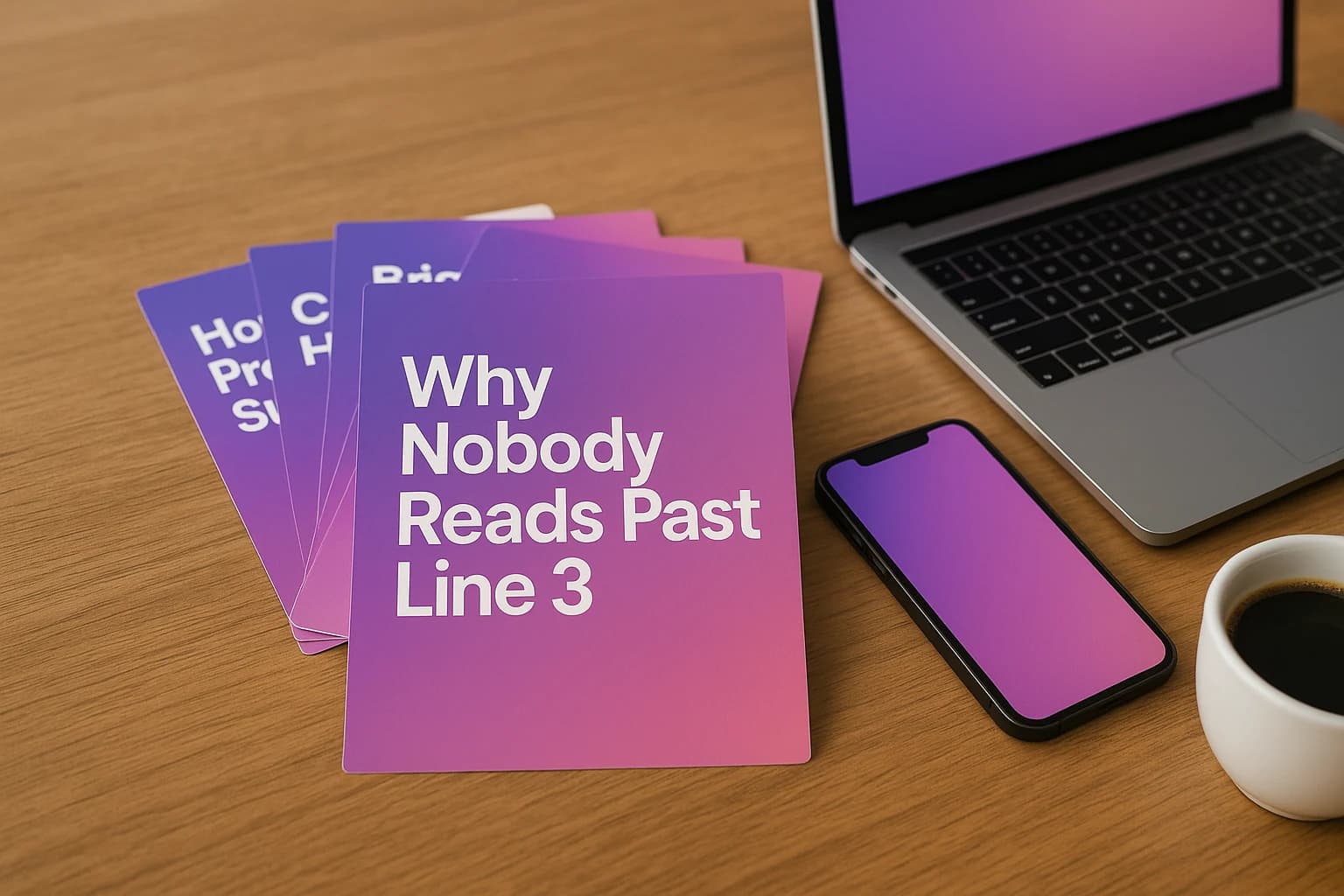
Let the studio write the carousel
This maker hands you the canvas. Blendin writes the deck. Give it a topic and it generates an on-brand carousel up to 10 slides in your voice, runs an anti-AI pass so the copy reads human, and pulls your real colors, fonts, and logo from your Brand Kit so every slide looks like your brand.
Then schedule it a month ahead on a calendar, publish it to LinkedIn personal profiles and Company Pages, Instagram, Facebook and Threads, with TikTok on Pro and up, and read Insights covering post performance and audience, all from one place.
- AI writes on-brand carousels up to 10 slides on higher tiers (8 on Starter, the trial plan), in your voice
- Anti-AI writing engine keeps every slide sounding human
- Brand Kit reads your real colors, fonts, and logo from your website
- Carousels, image posts, Documents, and Threads chains
- A recurring posting slot, a monthly calendar, and Insights
- Free for 14 days, full Starter access, card required, then $59/mo, cancel anytime

Frequently asked questions
What to know about making and posting a LinkedIn carousel.
Is this LinkedIn carousel maker free?
Yes, completely free. No signup, no account, no credit card, and no watermark on your slides. Everything is drawn in your browser and exported straight to your device, so nothing you type is uploaded to a server.
What size are LinkedIn carousels?
LinkedIn carousels are uploaded as a Document, so square 1080x1080 and portrait 1080x1350 both work well. This maker exports at exactly those sizes, and you can toggle the whole deck between them with one click. Portrait takes up more height in the feed, which usually earns more dwell time.
How do I post a carousel on LinkedIn?
Download the PDF from this tool, then start a new post on LinkedIn and choose to add a Document. Upload the PDF, give it a title, and publish. LinkedIn turns the multi-page PDF into a swipeable carousel in the feed. The PDF is the LinkedIn Document format, so no extra conversion is needed.
How many slides can I make?
Up to 10 slides here. You can add, duplicate, delete, and reorder slides by dragging the thumbnails, and choose a swipe cue (a single right arrow or dots) plus optional page numbers so readers know to keep going. Ten is a comfortable ceiling for a LinkedIn carousel; longer decks tend to lose people before the close.
Can I use my own brand colors, fonts, and photos?
Yes. Paste a single brand color and the maker builds a matching on-brand gradient and accent, or pick from the built-in themes. You can set a heading and body font, drop a background photo behind any slide with a legibility scrim, and add your name and photo to the cover and closing slides. Each slide can also override the deck theme, colours, alignment, and size. Everything is processed in your browser and nothing is uploaded.
Does this tool use AI?
No. This is a manual maker: you write the slides, pick a background, and export. There is no AI writing or image generation here. If you want the writing engine to draft on-brand carousels in your voice and lay them out for you, that is the Blendin studio, which writes the deck and publishes it to LinkedIn personal profiles and Company Pages, Instagram, Facebook and Threads, with TikTok on Pro and up.
Stop designing carousels by hand
Free for 14 days with full Starter access, card required, then $59/mo, cancel anytime. Let the studio write and lay out on-brand carousels, then schedule and publish from one place.
Start free trialMore free tools
LinkedIn Character Counter
Count characters, words, and lines, and see your text against LinkedIn limits for posts, headlines, the About section, and the see-more fold. Free, no signup.
LinkedIn Hook Generator
Generate scroll-stopping opening lines from 30+ proven templates across six styles, filled in with your topic.
AI Writing Checker
Paste any draft and see what makes it read like AI: em dashes, buzzwords, hype openers, robotic transitions, and more, with a fix for each. Free, in your browser.
From the Blendin blog
We Ran a Panel on What ChatGPT Cites When People Ask Which Tool to Use
A Semrush panel of 180 real buying questions shows which domains AI assistants cite for content tools, and why narrow questions get thinner, easier-to-win answers than broad ones.
Read the essayGrowthLinkedIn is the #2 most-cited source in AI search. Here's how to get quoted.
A study of 89,000 cited LinkedIn URLs shows what AI engines quote: long-form, educational, original posts. The publish-this-way checklist to get cited.
Read the essayLinkedIn StrategyLinkedIn Blue Badge (Top Voice): How to Actually Get It
No, you cannot apply, buy, or farm your way to the LinkedIn blue Top Voice badge. Here is what the invite-only badge actually rewards, straight from LinkedIn.
Read the essay