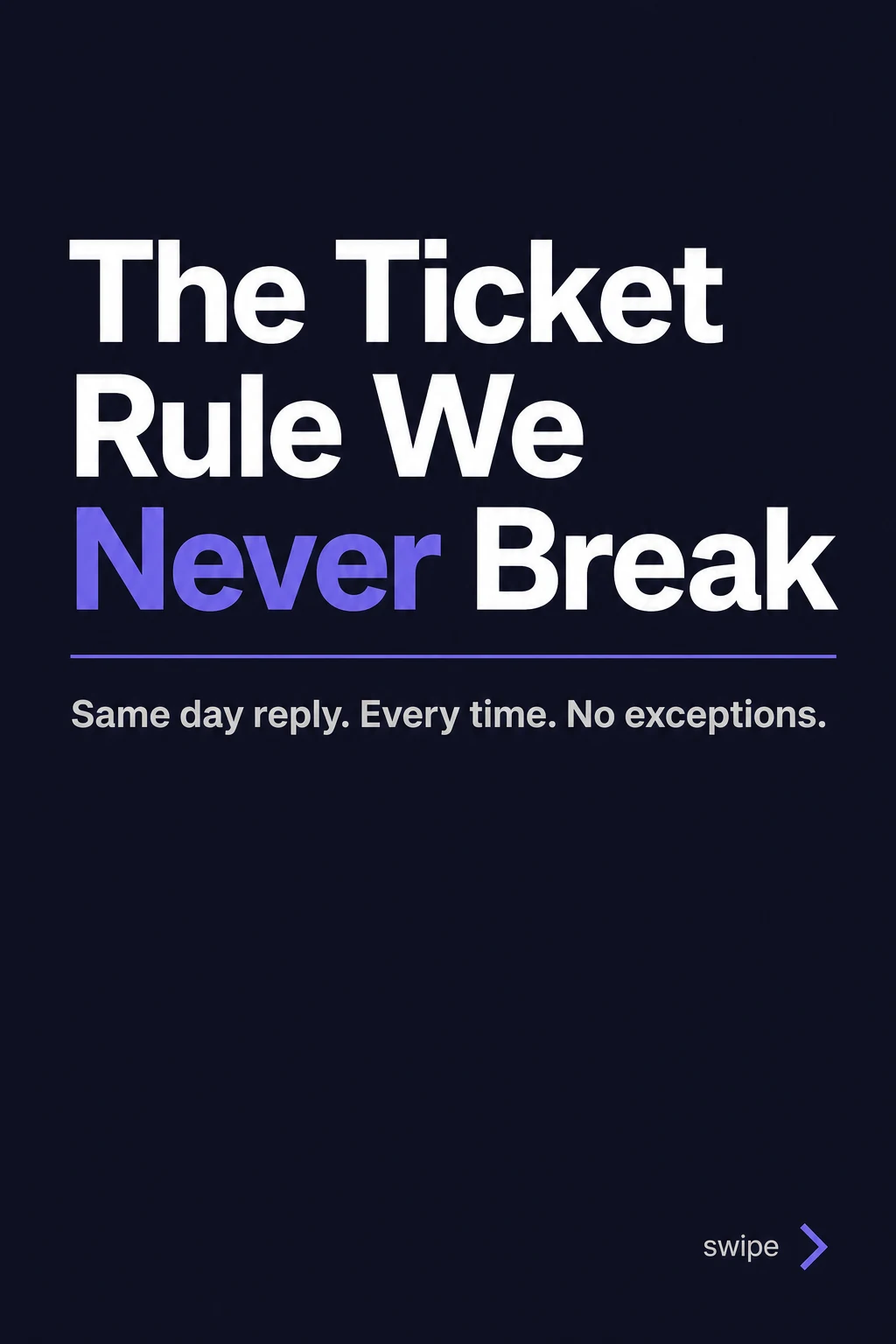
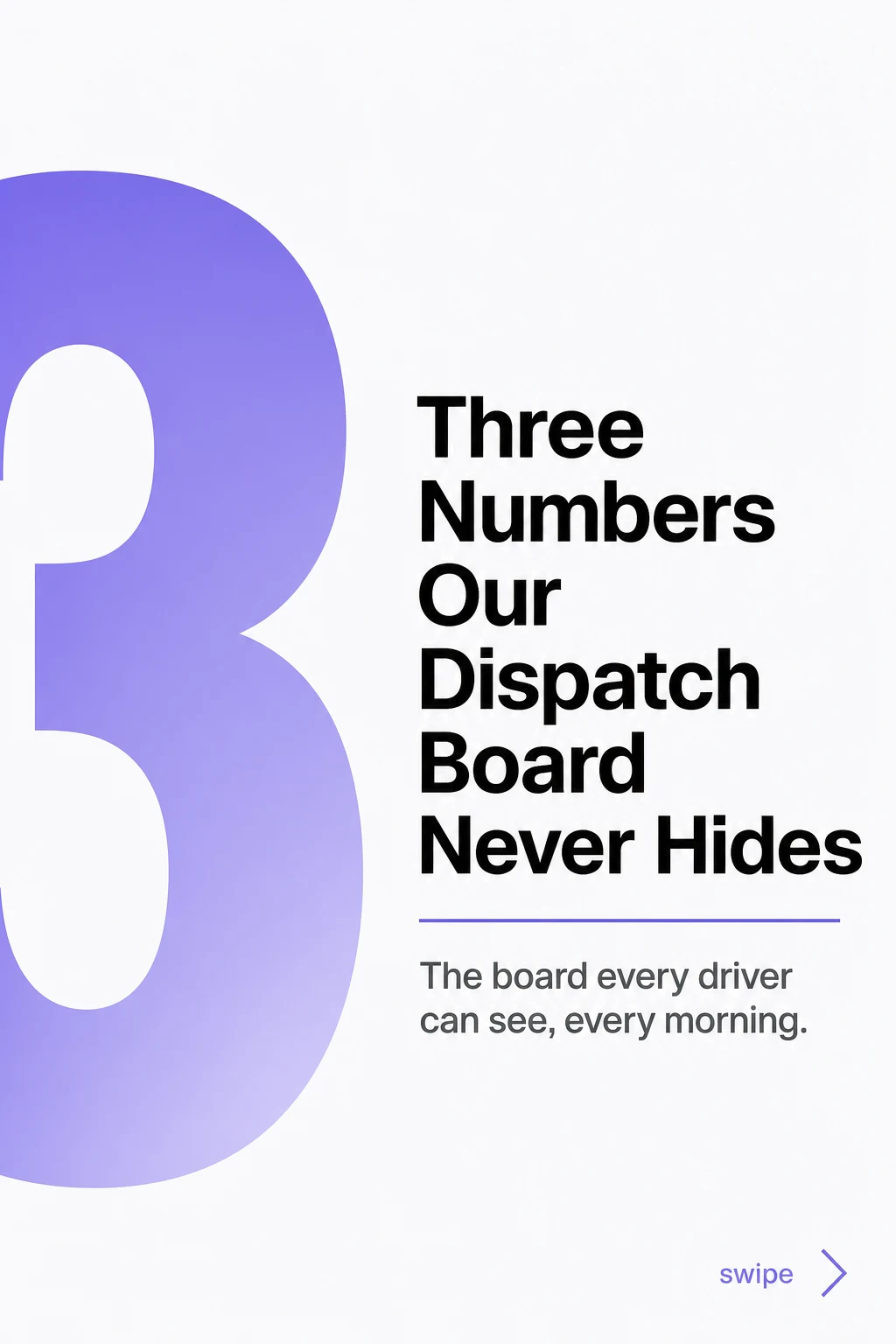
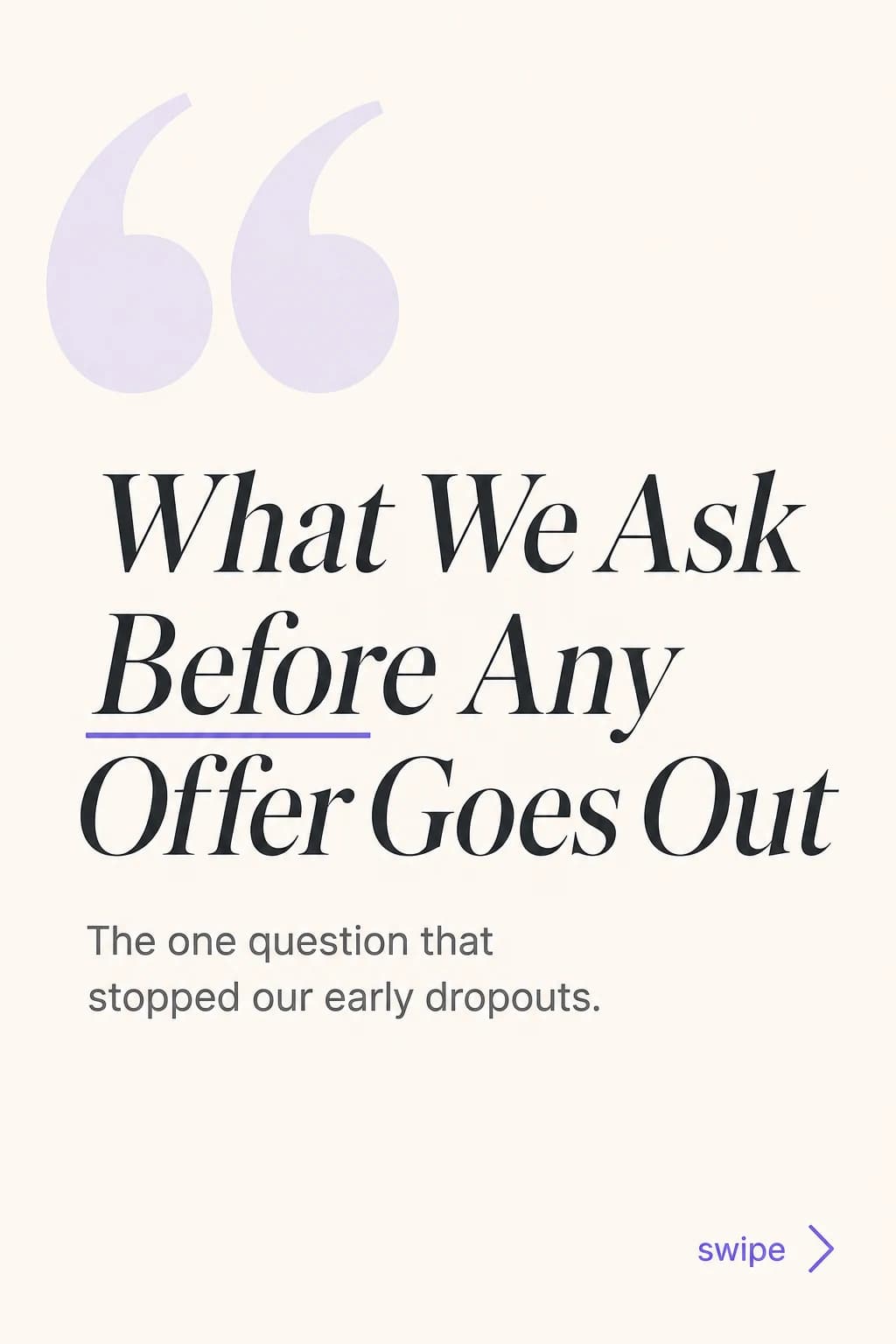

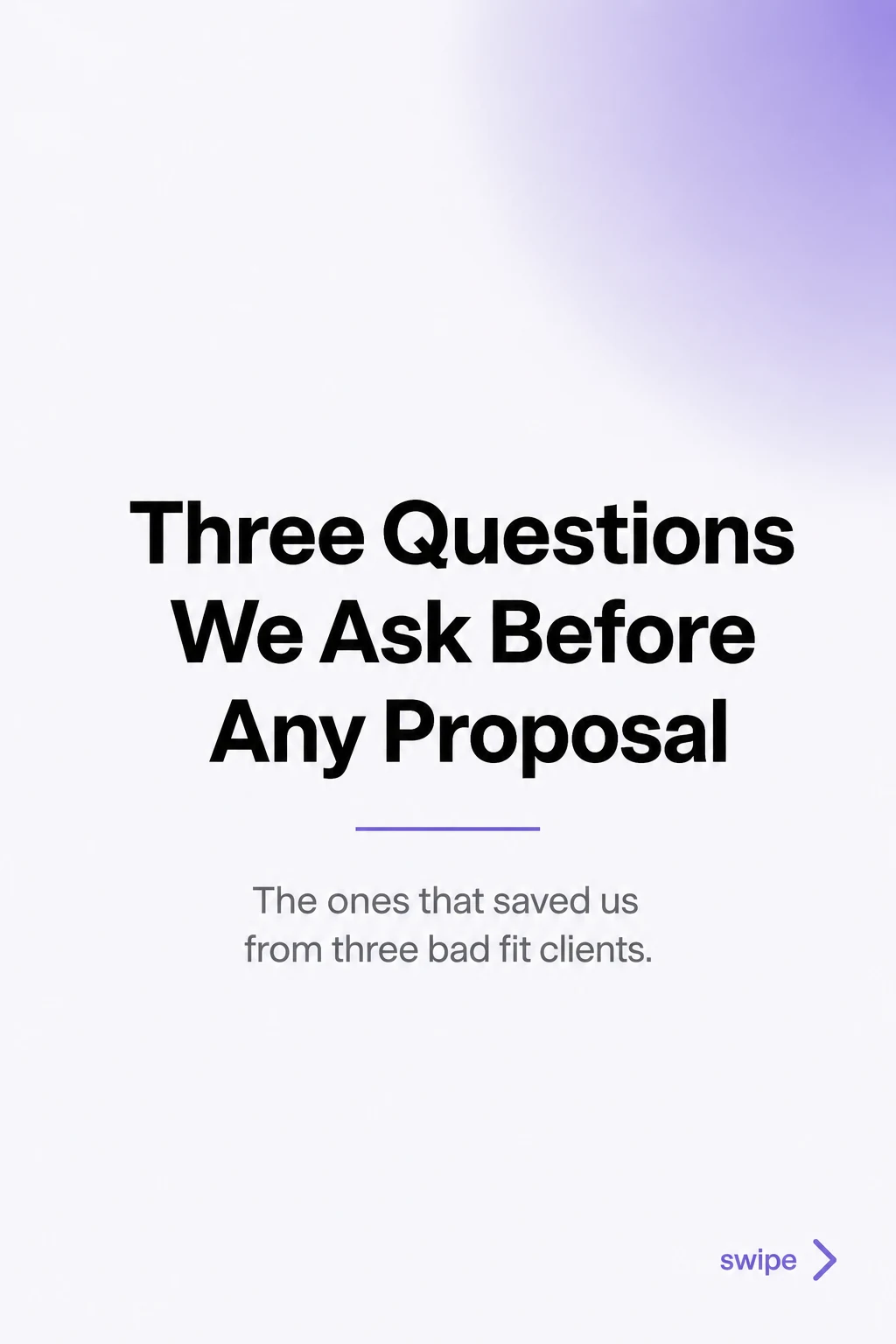
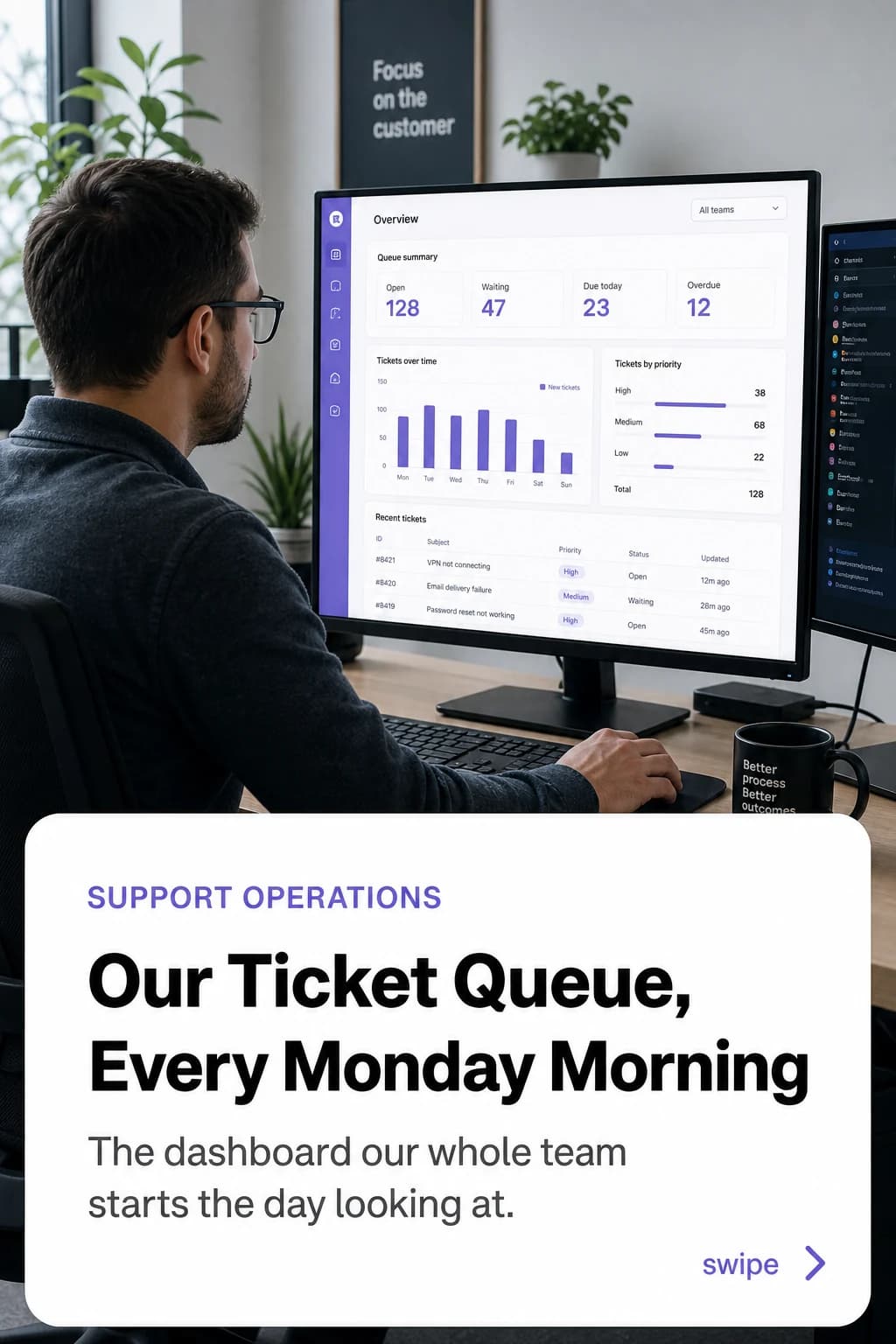
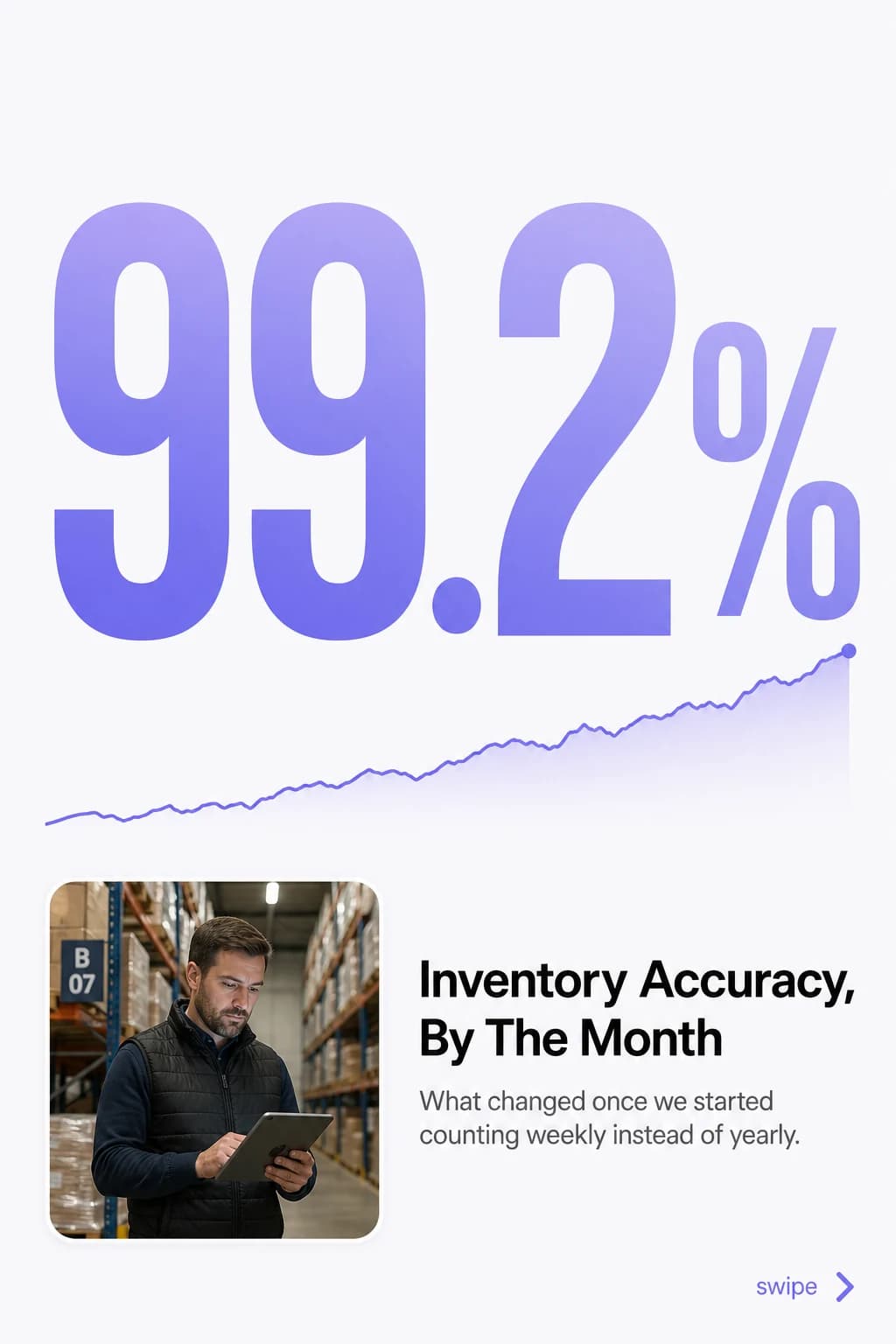
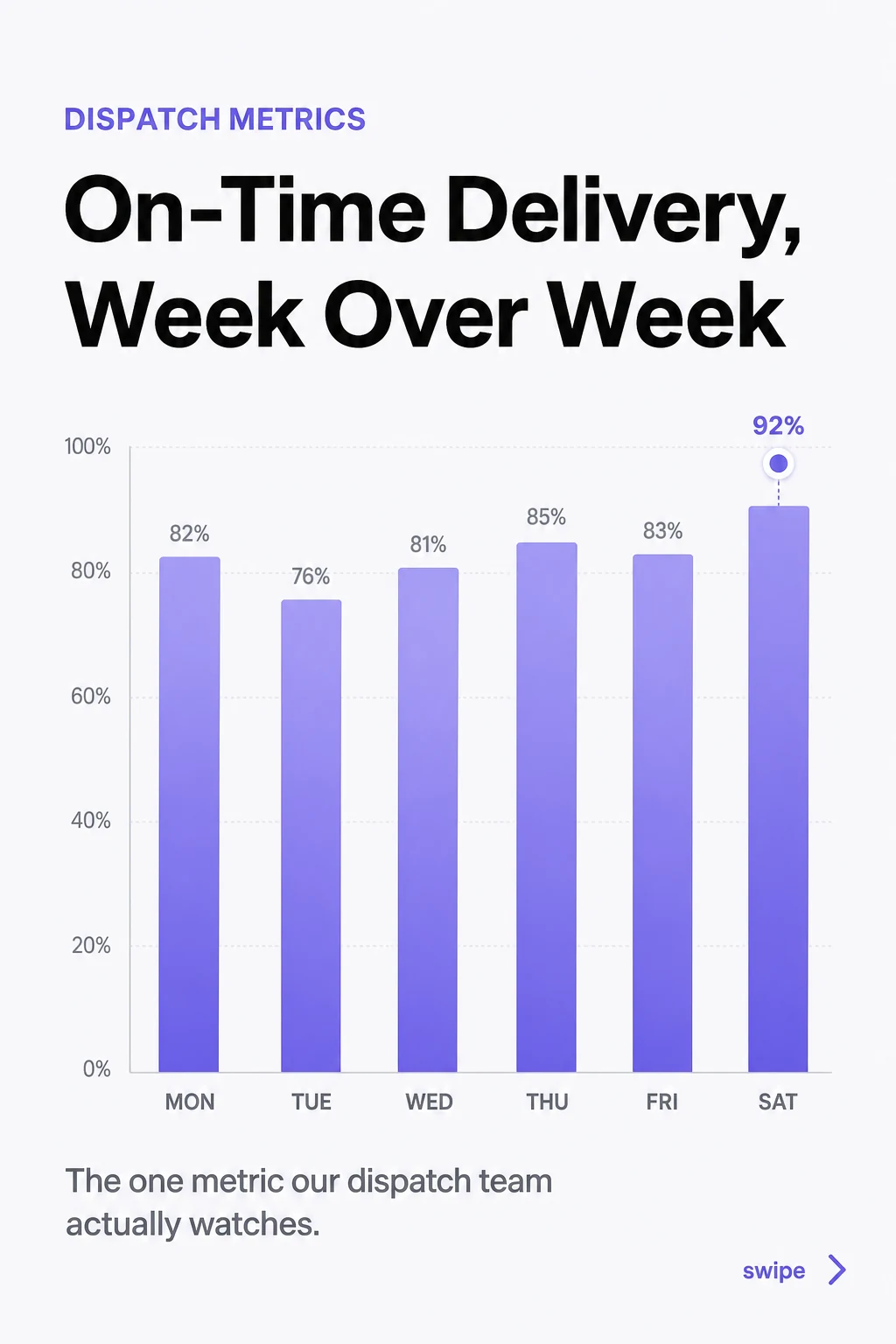
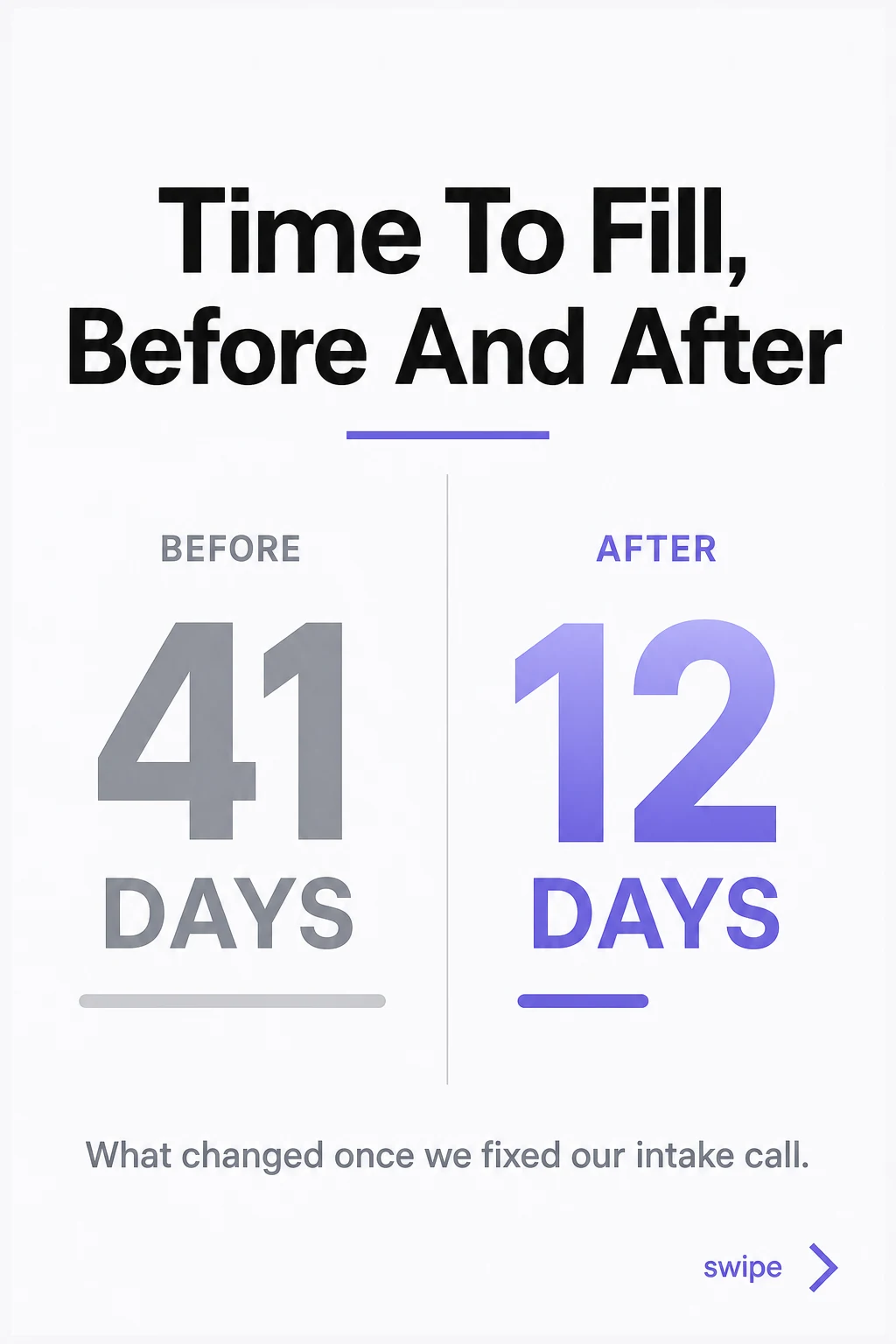
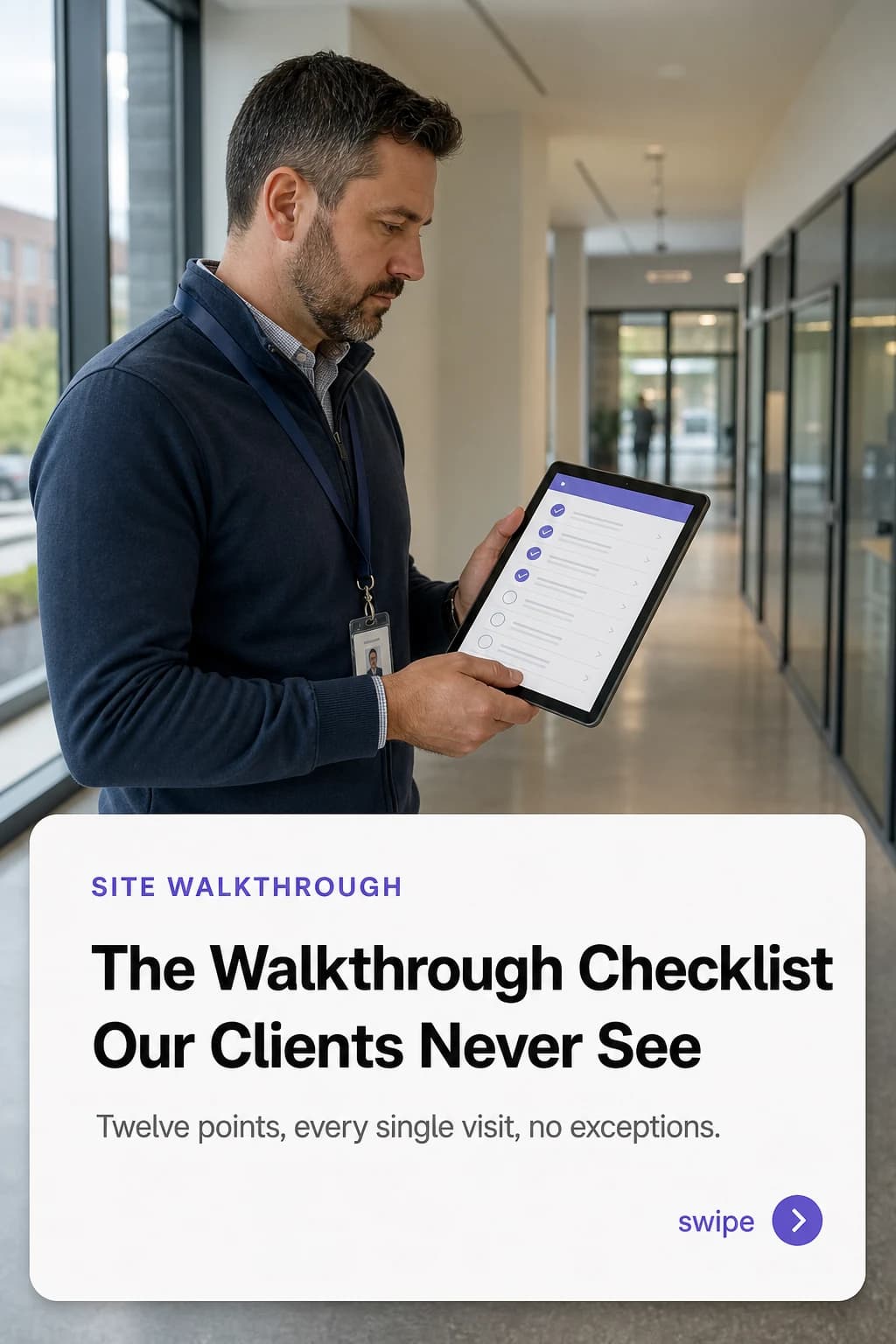
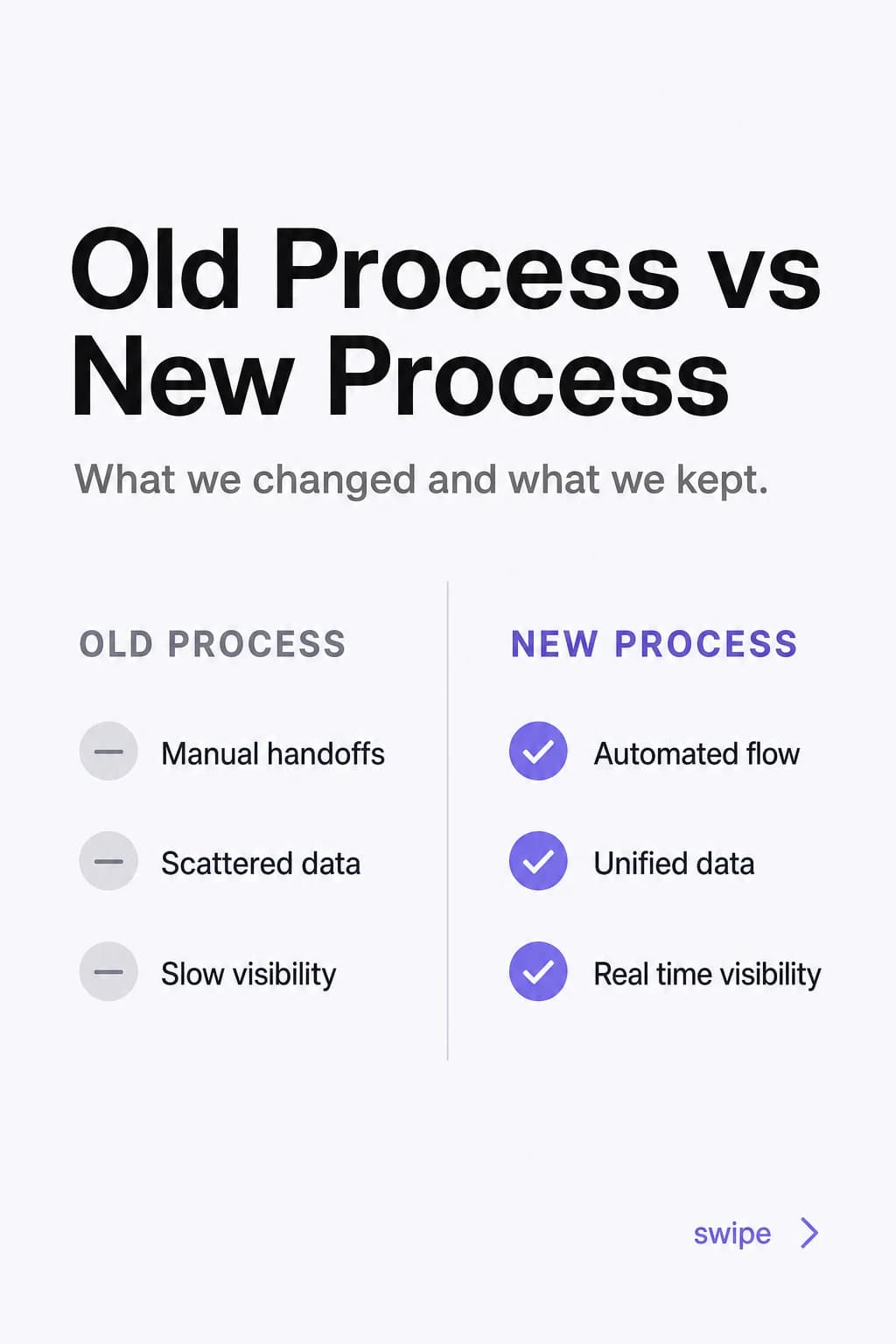
The AI carousel generator for LinkedIn. On brand, in your voice.
Turn one brief into a swipeable deck of up to 10 slides on higher tiers (8 on Starter, the trial plan), written in your voice and laid out in your real colors and fonts. Your brand on every slide, built from scratch.
Start free trialFrom a brief to an on-brand carousel in 3 steps
Brand Kit, then brief, then a finished carousel. The anti-AI engine does the writing so the slides sound like you.
Build your Brand Kit
Paste your website URL and Blendin reads your real colors, fonts, logo, and voice. Every carousel inherits that look, so nothing comes out generic.
Write a one-line brief
Drop in a topic, a rough idea, or a note. The writing engine turns it into a slide-by-slide story: a hook, the body, and a close, in your language.
Get an on-brand carousel
Out comes a carousel of up to 10 slides on higher tiers (8 on Starter, the trial plan), written through the anti-AI pass so it reads human, laid out in your palette and type, ready to refine and publish.
The same fonts and palette, slide after slide
No deck drifts off brand. Blendin reads your real colors, fonts, and logo from your Brand Kit, then holds them across every slide, so a fan of carousels looks like one brand, not ten random templates. If a color is not actually on your site, we never invent one.
One brief becomes a deck with a real narrative arc
Every carousel is written to the shape that earns saves and shares: a hook that stops the scroll, slides that teach, proof that lands, and a close that asks for the next step. You bring the idea. Blendin builds the story.
 1HookA cover that stops the scroll.
 2TeachSlides that deliver the value.
 3ProofAn example that makes it land.
 4CloseA close that asks for the next step.
Prefer a hands-on maker? Try the free LinkedIn carousel maker, or browse the rest of the free tools.
See which carousels actually worked
A deck is not done when it ships. Once a carousel goes out, Insights show real partner data: how the post performed, how your audience grew, and the best time to post next, with honest empty states and never a fabricated number. You learn what to make more of.
Carousels are one part of the studio
Blendin writes and designs the piece in your brand, then publishes it. A carousel is one of the shapes it comes in. The same brand kit also makes text posts, image posts, native LinkedIn Documents and Threads chains.
Set a recurring slot, schedule a month ahead, publish to LinkedIn personal profiles and Company Pages, Instagram, Facebook and Threads, with TikTok on Pro and up, then read Insights covering post performance and audience.
- Carousels up to 10 slides on higher tiers (8 on Starter, the trial plan), on brand and editable
- Eight AI image formats from your Brand Kit
- Anti-AI writing on every plan, trial included
- A recurring content loop, a monthly calendar, and Insights
- Publish to LinkedIn, Instagram, Facebook, and Threads
- Free for 14 days, full Starter access, card required, then $59/mo, cancel anytime
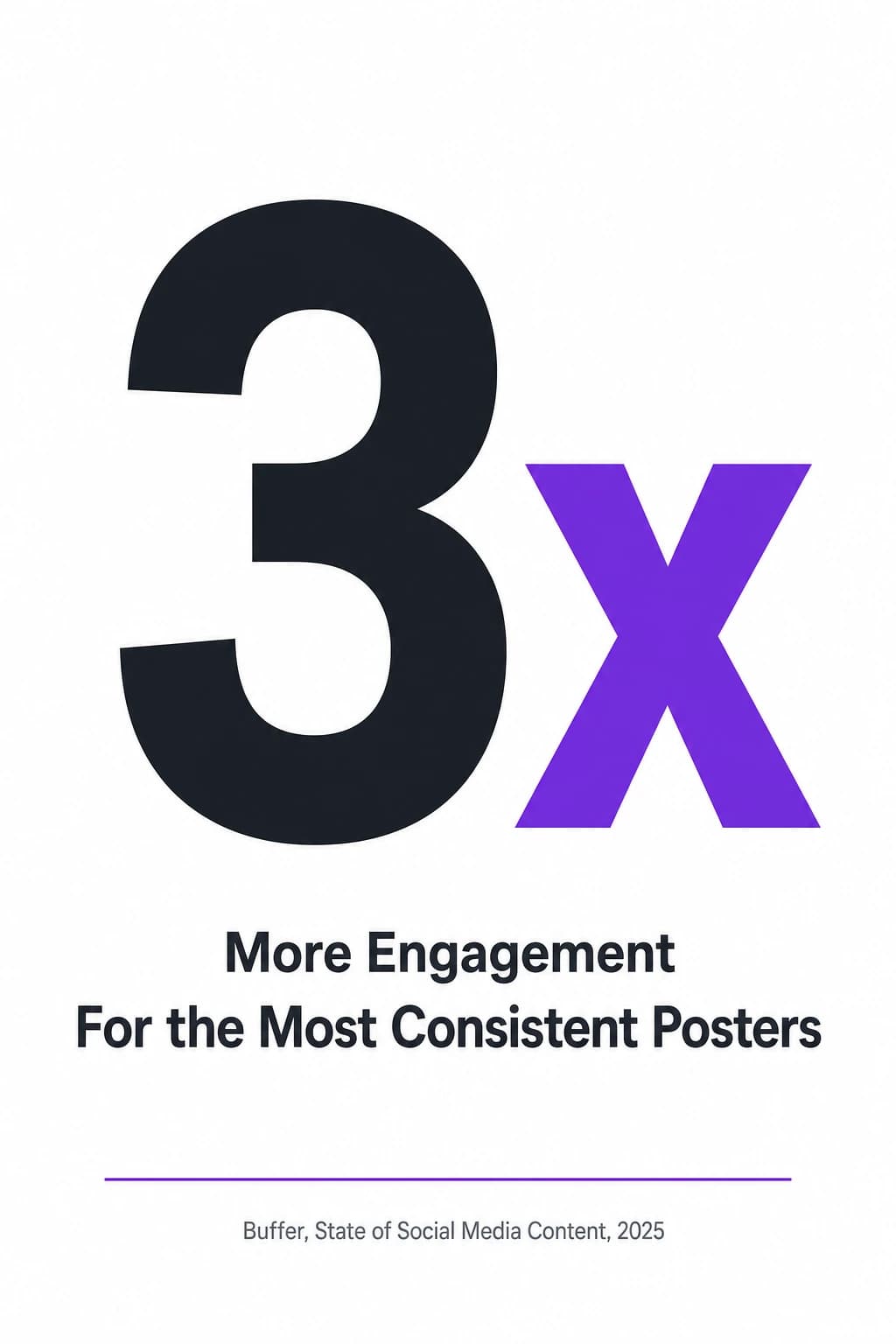
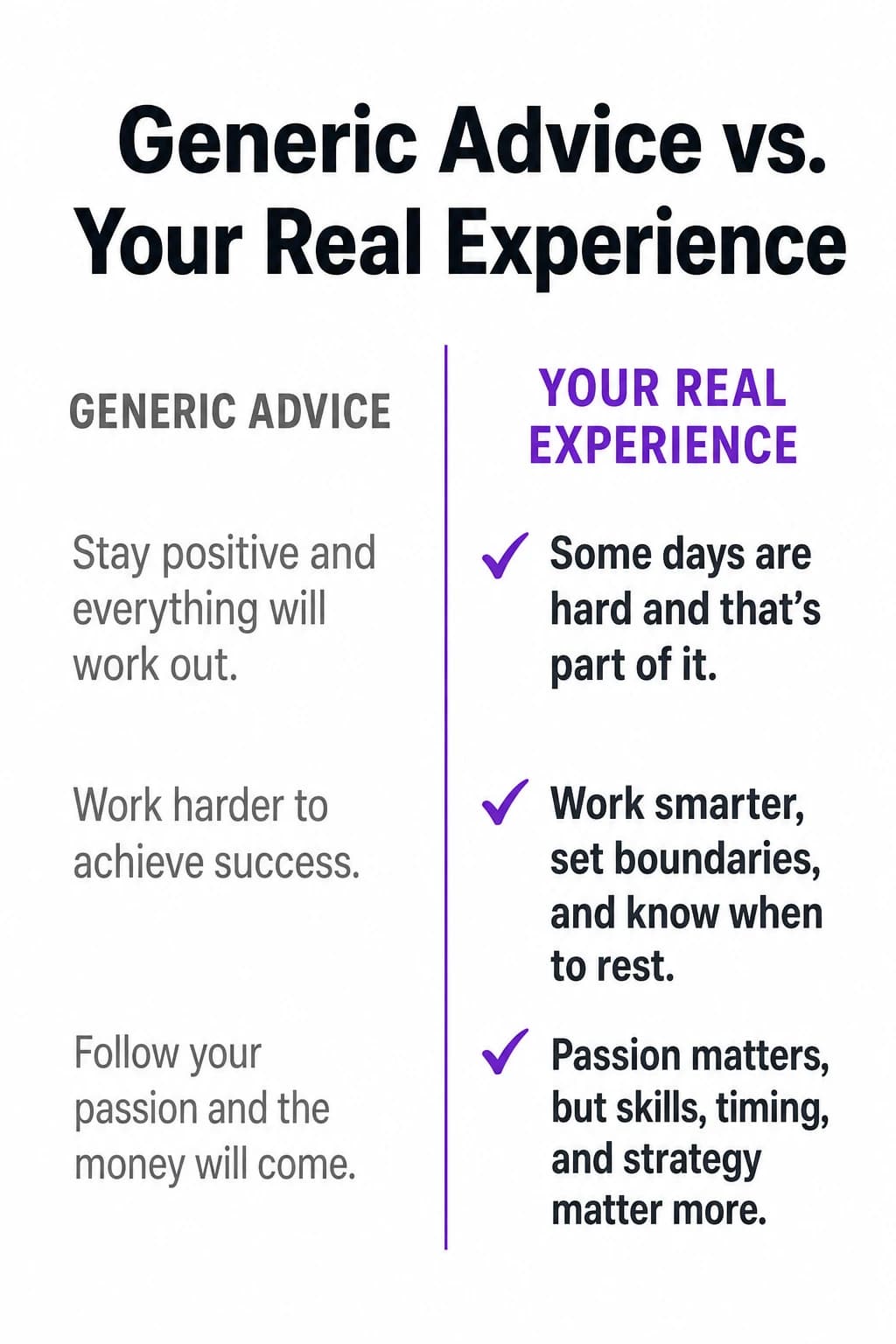
Other shapes, same brand kit
Frequently asked questions
What to know about generating LinkedIn carousels.
What is an AI carousel generator?
An AI carousel generator turns a single brief into a multi-slide LinkedIn carousel: a hook slide, the body, and a close, written and laid out for you. Blendin goes further than most. It writes each slide in your voice, runs an anti-AI pass so the copy reads human, and pulls the colors, fonts, and logo from your own Brand Kit so the deck looks like your brand, not a template.
How many slides can a LinkedIn carousel have?
Blendin generates carousels up to 8 slides on Starter and up to 10 on Pro and Business. You can trim or reorder slides, rewrite any line, and swap the cover before you publish. The result exports as a native LinkedIn Document, so it shows up in the feed as a swipeable carousel rather than a flat image.
Will the carousel look on-brand, or like a generic template?
On-brand. The Brand Kit reads your real colors, fonts, and logo from your website, so every slide uses your palette and type, not a stock theme. If a brand color is not actually on your site, we do not invent one. Style follows your brand; you bring the subject.
Does the writing sound like AI?
No. The anti-AI writing engine drafts, then a second judge pass rewrites until the copy reads human: no em-dashes, no buzzwords, no contrarian flips, no invented facts. It runs on every plan, from the first trial day, so your carousels sound like you wrote them.
Can I schedule and publish the carousel from Blendin?
Yes. Once your carousel is ready, schedule it 180 days ahead on Starter, a full year on Pro and Business, and publish it to LinkedIn (as a native document), Instagram, and Threads, plus TikTok on Pro and up. After it goes out, Insights show how it performed.
Is it free to try?
Yes. Every new account starts with a free 14-day trial of the full Starter plan, card required and cancel anytime, then $59 a month. That covers four networks, LinkedIn (personal and Company Pages), Instagram, Facebook, and Threads, and TikTok is available on Pro and up.
Generate your first on-brand carousel.
Free for 14 days with full Starter access, card required, then $59 a month, cancel anytime. Write, design, schedule, and publish carousels in your own voice, all from one place.
- 14 day free trial
- Cancel anytime
- Never sounds like AI