Generate the carousel in the brand,
then actually publish it.
Type a topic. Blendin writes the slides, lays them out in the brand's real colours and fonts, and publishes the result to your profile or your Company Page as a native PDF document post. Or hands you the pack to download, if the person who publishes is not you.
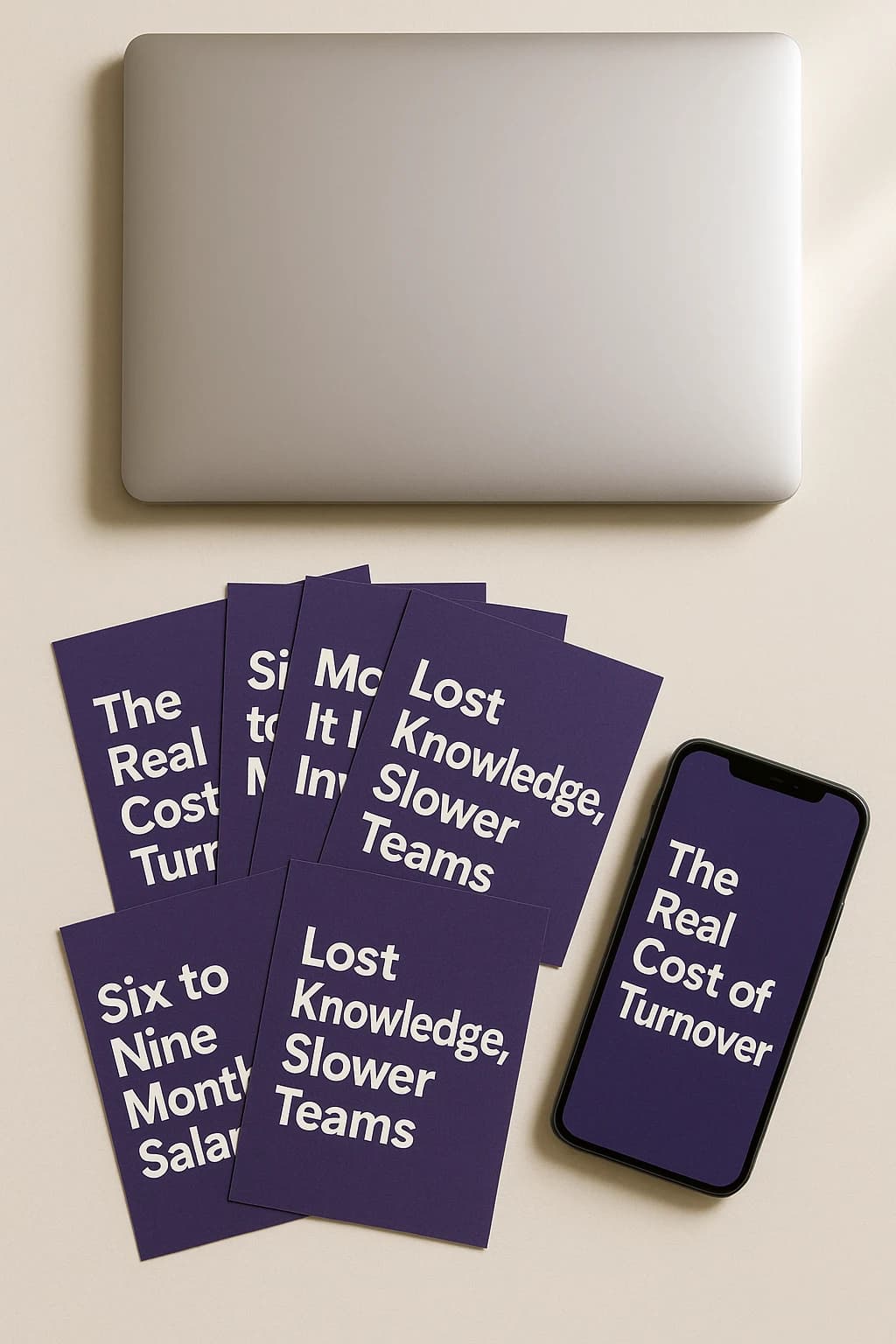
Four things that decide whether a carousel is worth posting
- 1
Its brand, not a template
Paste a website and the scan reads its real palette, fonts and logo. Every slide comes out in that type system, not in a stock one with the colours swapped.
- 2
Words that do not read as AI
The engine bans the tells before it writes and checks again afterwards. No em dashes, no buzzword stack, no invented anecdote presented as a memory.
- 3
A real PDF, not a gallery
The output is the multi-page PDF LinkedIn treats as a document post, which is what makes it swipeable rather than a row of images.
- 4
Published from the same place
Schedule it, publish it, and let the first comment go out with it. If the person who publishes is not you, download the pack instead.
A carousel is one shape, not the whole job
The same brand kit that lays out these slides also writes the text post, the image post and the native LinkedIn document, and publishes them to your profile or your Company Page on a schedule you set.
If what you actually need is the weekly post rather than the deck, start at the LinkedIn post generator instead. It is the same studio, pointed at the format most companies publish most often.
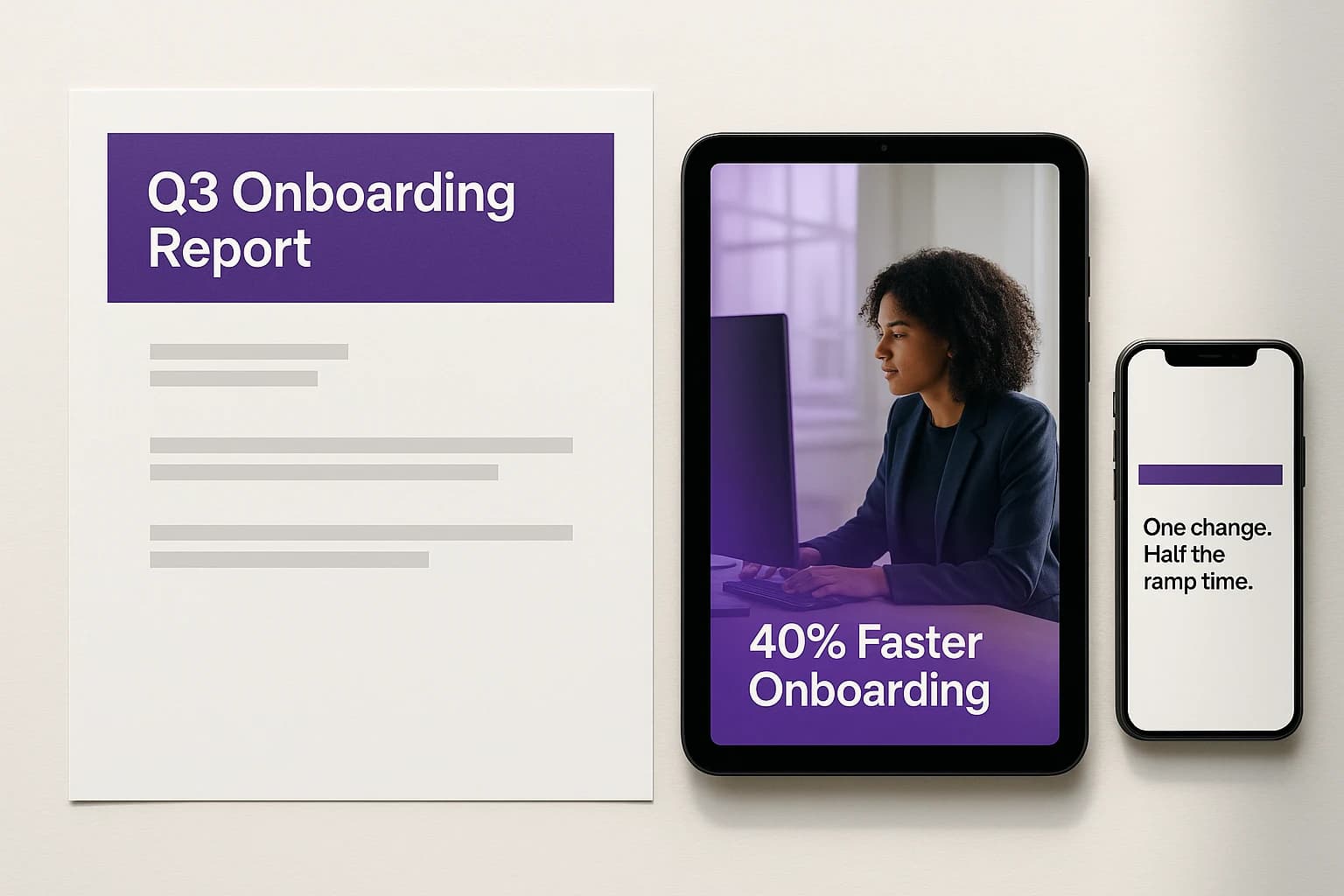
Three ways to end up with a carousel
The carousel maker lays out up to ten slides in your browser and exports the PDF, with no signup and no watermark. That is the whole difference: this page is for when the making is not the part that costs you the afternoon.
| Feature | Doing it by hand | Free carousel maker | This generator |
|---|---|---|---|
| Writes the slide copy for you | No | No | Yes |
| Uses your real brand colours, fonts and logo | Only if you build it yourself | No | Yes |
| Exports the native LinkedIn PDF format | Depends on the tool | Yes | Yes |
| Publishes straight to LinkedIn | No | No | Yes |
| Text, shapes, arrows, images and logo overlays | Depends on the tool | Yes | Yes |
| Anti-AI writing pass on every line | No | No | Yes |
| Cost | Whatever your tool costs | Free, no signup | 14 day free trial, card required |
The free carousel maker and this generator are both Blendin. Doing it by hand means a generic design or slide tool with no brand kit and no publishing built in.
Questions
What to know before you generate one.
What is a LinkedIn carousel, technically?
A PDF. LinkedIn calls the format Documents and Presentations, and a multi-page PDF is what renders as the swipeable card stack in the feed. That is why it is a different upload from an image post: the file type is the format.
Does it publish, or only export?
Both. Blendin uploads the PDF to LinkedIn as a document post, on your own profile or a Company Page, so a carousel can be scheduled like any other post. You can also download the pack instead, with the images, the PDF, the caption, the hashtags and the alt text, if the person publishing is not you.
How does it know my brand?
Paste your website and the scan pulls the real palette, the real fonts and the logo from the page's own CSS, not from a guess. If there is no real accent colour on the site it says so instead of inventing one, which is the same rule the rest of the product runs on: real signal or nothing.
Will it read like AI wrote it?
That is the failure mode the writing engine is built against. The em dashes, the buzzwords, the "it is not X, it is Y" flip and the invented anecdote are banned in the prompt and checked again afterwards, in English and in Spanish. It is not a filter you can turn off, it is how the thing writes.
How many slides?
Up to eight on the entry plan and ten above it. The right number is usually fewer than people expect: a carousel is read with a thumb.
Can I edit the slides?
Yes. Text, shapes, arrows, images and your logo go on top of any slide and cost nothing on any plan. Repainting part of the underlying image with AI is the paid part.
Make one and look at it
One carousel and one connected account come with a new signup. It is a faster way to judge this than reading another page about it. After that it is a 14 day trial of Starter, card required, no charge today, then $59 a month, cancel anytime.
Start free trial