Free Instagram Carousel Maker for TikTok too
Build your own slides right here, or see every look Blendin can make for you.
No credit card required.
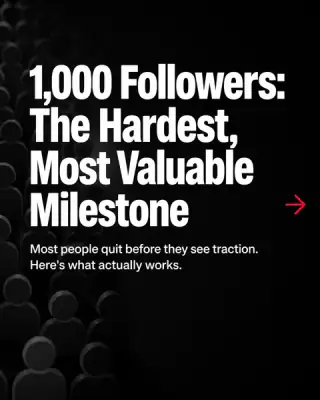
Pick a look. Blendin does the slides.
Every carousel style Blendin offers, shown as example slides rendered in Blendin. Hover or tap a card to swipe through it.
22 styles in 5 families
No credit card required.
22 styles shown

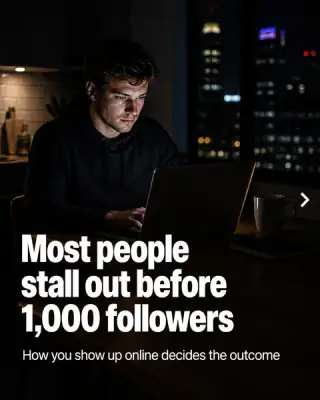
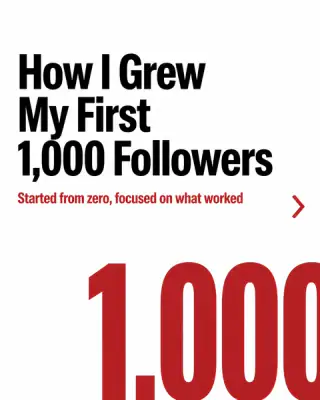

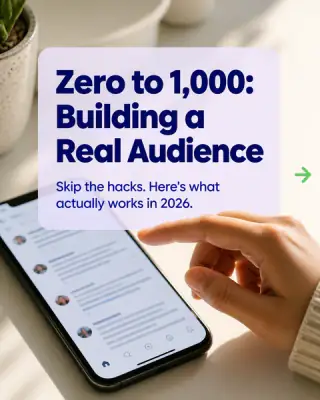
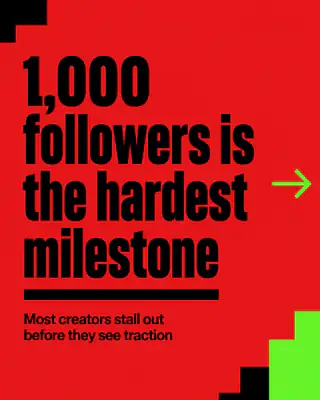
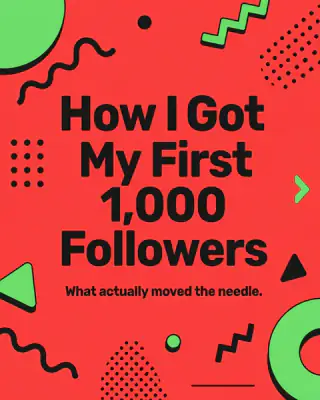
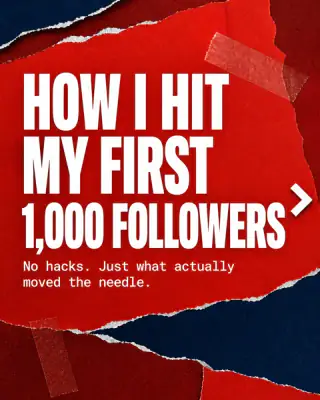
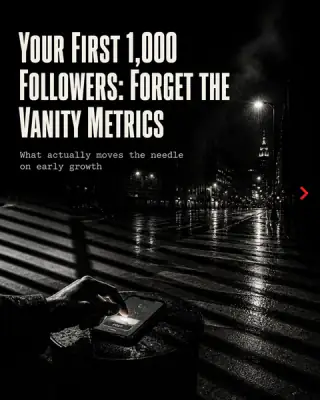
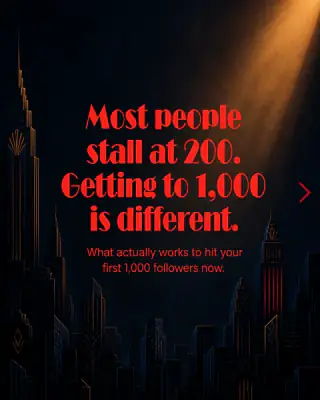
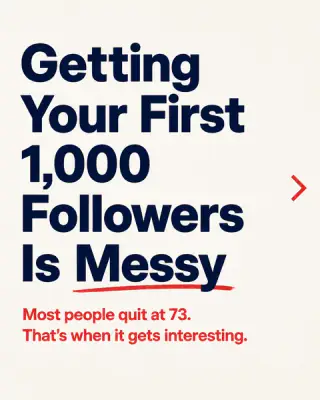
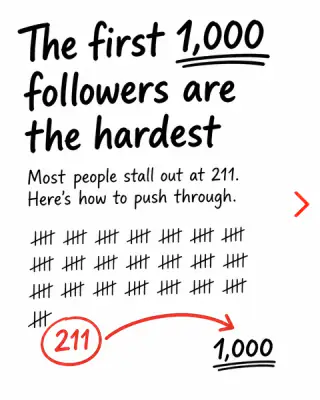
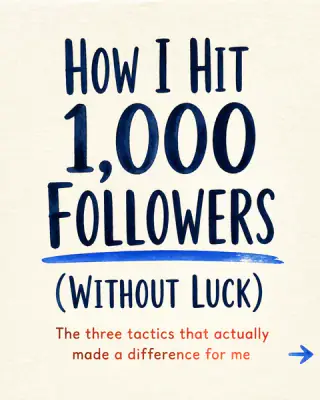


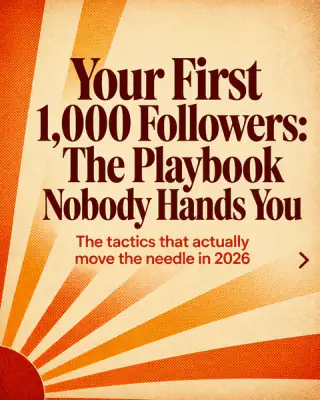


One topic, three looks.
One topic, three styles. Each style changes how the slides are drawn and laid out, so you can try another look on the same idea.
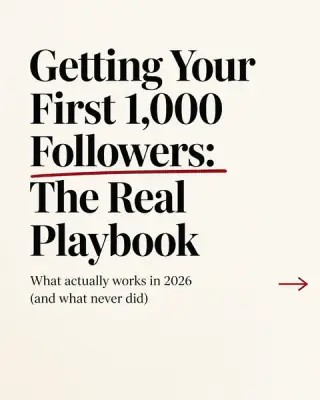
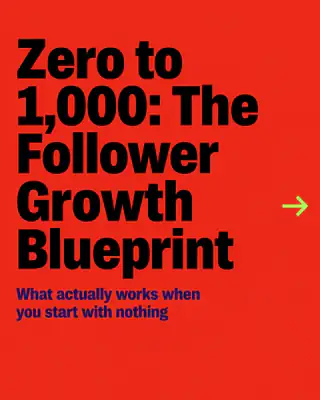
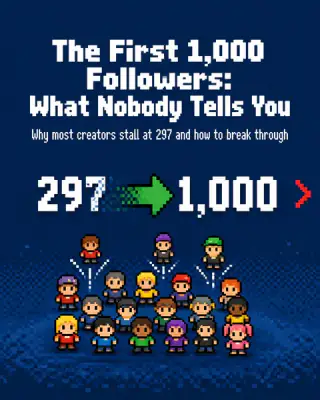
Where this leads.
Ask us anything.
Is this carousel maker free?
Yes. No signup, no account, no card and no watermark on your slides.
What size are Instagram carousel slides?
Portrait 1080 by 1350 (the default), square 1080 by 1080 and 9:16 story 1080 by 1920. Switch the whole deck between them with one click. Portrait takes more room in the feed.
How do I post the carousel on Instagram or TikTok?
Use All PNGs to download every slide, then add them in order as a carousel on Instagram or a photo carousel on TikTok.
How do I post a carousel on LinkedIn?
Download the PDF, start a post, add a document and upload it. LinkedIn turns a multi page PDF into a swipeable carousel.
How many slides can I make?
Up to 10. Add, duplicate, delete and reorder slides by dragging, and add a swipe cue and page numbers.
Can I use my own colours, fonts and photos?
Yes. Paste one brand colour or pick a theme, set a heading and body font and drop a photo behind any slide.
Does this tool use AI?
No, you write the slides. To have Blendin write them in your colours and voice and schedule them to six networks, use the Blendin carousel maker.
What carousel styles can Blendin make?
Every style in the gallery above, from editorial and colour block to pixel art and watercolor. Pick one in Create or let Blendin choose.
Let Blendin write the next one.
Pick a style, type a topic and get the carousel in your colours.