A weekly content loop you stay in control of
Consistency is the whole game, and the hard part is keeping it up. Automate lets you arrange your week as a set of beats on a visual canvas, then repeats it, so you plan the rhythm once and keep showing up.
It is not hands-off auto-posting. Every post lands in a review lane for your approval before it ships, unless you deliberately turn on autopilot. You always decide what your brand says.
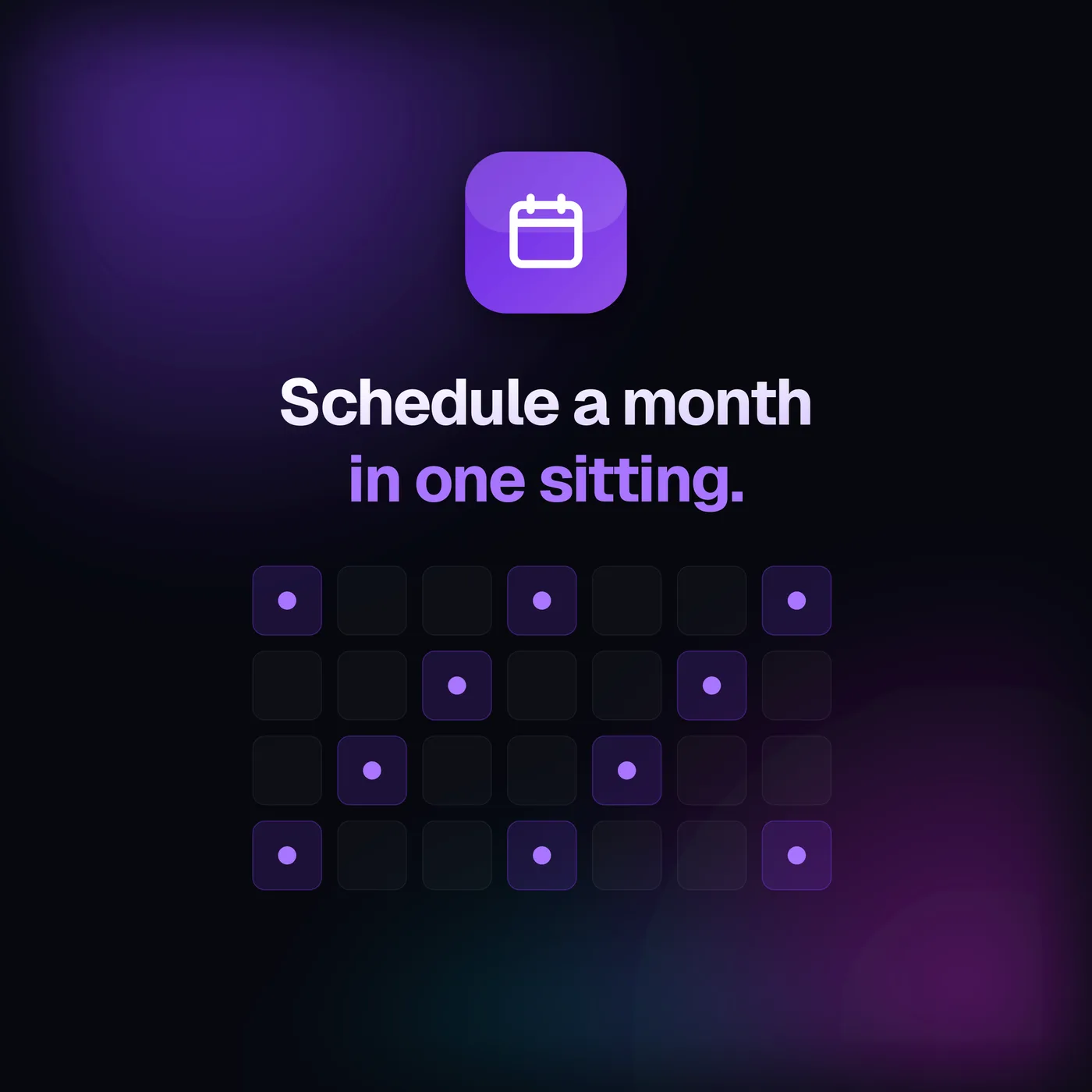
Every beat is one post, on your terms
Drag beats across the weekly grid, open one to configure it, and read the whole loop back as one plain-English sentence. Three choices define each beat.
A day and a time
Drop each beat on its weekday and set its time. Posts land on a natural cadence with a small built-in nudge, so they never fire at a robotic exact minute.
Networks and a format
Pick the networks each beat publishes to and the format it uses, a carousel, an image post, a text post, or let Automate choose the type for you.
Where the topic comes from
Type it yourself, let it auto-research a fresh trending angle, or pull from your topic seeds. Each beat carries its own source, so a loop can mix all three.
Consistency without giving up control
Automation usually means trusting a machine to post for you. Automate flips that: the loop does the planning, you keep the final say on every post.
A review lane, not a black box
Every generated post appears about a day early with a thumbnail, status, and scheduled time. Review it, edit it, or move on. Nothing goes out unseen unless you opt into autopilot.
Recreate what you do not love
Do not like a draft? Hit Recreate and Automate builds a fresh take on the same beat, so a weak post never has to ship.
Human in the loop by default
Autopilot is off until you turn it on. The default is one-tap approval per post, so consistency never means giving up control of what your brand says.
A loop, not a pile of drafts
As each beat publishes, the next cycle's slot is booked. A loop only ever holds its own beats in the queue, so your calendar stays clean instead of exploding into rows.
Set the rhythm, then let it repeat
Instead of scrambling every week, you build the loop one time and Automate re-books each beat as it publishes. Manual scheduling is on every plan, including Starter, so you can queue individual posts today; the recurring Automate canvas comes on Pro and Business when you want the whole week to run itself, on your approval.
- Recurring weekly loop on Pro and Business
- Manual scheduling on every plan, Starter included
- Posts generated about a day ahead for review
- Autopilot is an opt-in, off by default
Want to see how each post performs once it is live? Read about multi-layer Insights or compare plans on pricing.
Show up every week, without the scramble
Free for 7 days with full Starter access, card required, then $59/mo, cancel anytime. Upgrade to Pro when you want the recurring Automate loop.
Frequently asked questions
How the recurring loop works, and who stays in control.
What is Automate?
Automate is a visual canvas for building a looping content schedule. Instead of a form, you arrange beats on a weekly grid: each beat is a post that publishes on its weekday, at its time, to its networks, in its format, with a topic that is manual, auto-researched, or pulled from a topic seed. The loop repeats, so you set the rhythm once and it keeps going.
Does Automate post without me?
Only if you tell it to. By default, generated posts land as drafts in a review lane for a one-tap approval, fully human in the loop. Turning on autopilot is an explicit opt-in: the loop you built becomes the standing approval and posts ship on the schedule you defined. It is never hands-off posting without your say-so.
How far ahead are posts generated?
About a day ahead of each slot. Automate generates each post into a review lane roughly 24 hours before it is due, with a thumbnail, its status, and its scheduled time, so you get a window to review it and hit Recreate if you do not like one before it goes out.
Which plans include Automate?
The recurring Automate loop is on Pro and Business. Manual scheduling stays available on every plan, including Starter, so a Starter user still queues individual posts on the calendar (180 days ahead on Starter, a full year on Pro and Business). Automate adds the recurring canvas on top of that.
Is it really free to try?
Yes. Every new account starts with a free 7-day trial of the full Starter plan, card required, then $59/mo, cancel anytime. Automate itself is a Pro and Business feature, so try it by starting on the trial and upgrading when you want the recurring loop.